
In today’s technology-driven world, chargers and adapters have become essential tools that power our daily lives. Whether it’s your smartphone, laptop, tablet, or even an electric toothbrush, you rely on chargers and adapters more than you realize. But have you ever stopped to think about how these devices work, or what the difference is between a charger and an adapter? In this blog post, we’ll dive deep into everything you need to know about chargers and adapters, helping you make smarter choices when buying or using them.
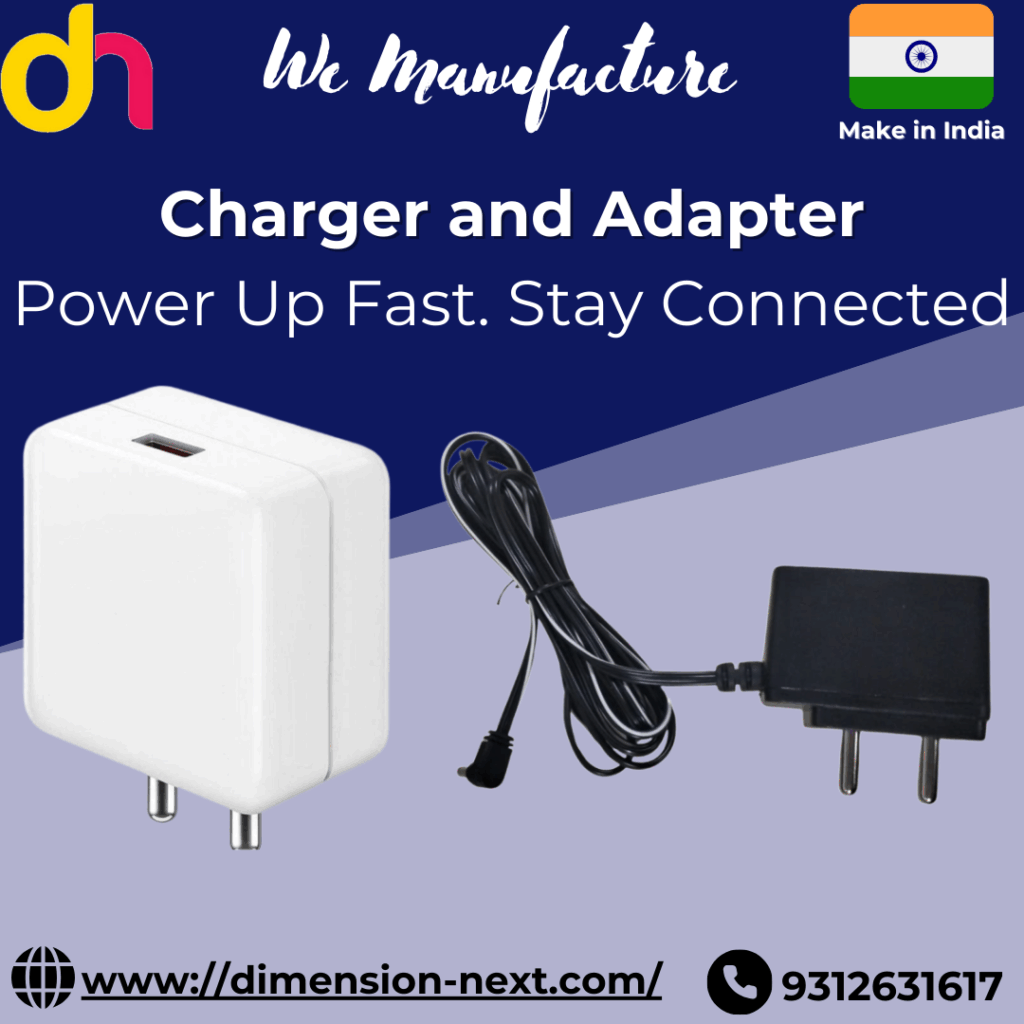
What Is a Charger?
A charger is a device that supplies electrical energy to recharge batteries. When you plug your phone into the wall, the charger converts AC (alternating current) from your wall outlet into DC (direct current) that your battery can store and use. Essentially, a charger regulates voltage and current to safely fill your device’s battery.
There are different types of chargers:
- Wall chargers: Commonly used for phones and tablets, these plug directly into the wall socket.
- Laptop chargers: Usually come with a power brick that includes internal components for voltage control.
- Wireless chargers: Use electromagnetic fields to transfer energy between two objects through induction.
- Car chargers: Plug into a car’s 12V outlet and allow device charging while on the go.
- Fast chargers: Provide higher wattage to quickly charge compatible devices.
Why Quality Matters in Chargers
Low-quality or counterfeit chargers can lead to:
- Overheating or even fires
- Battery damage
- Slower charging times
- Incompatibility with fast-charging protocols
Always use a certified charger from a trusted brand or one approved by your device’s manufacturer.
What Is an Adapter?
An adapter, in the context of electronics, is a device that helps bridge two different types of connections, voltages, or formats. It doesn’t always charge a device directly but makes it possible to connect your charger or device to a power source or another gadget.
There are different types of adapters:
- Power adapters: Convert AC to DC, and regulate voltage and current (often built into laptop chargers).
- Plug adapters: Allow your charger to fit into different types of power sockets when traveling internationally.
- USB adapters: Convert one type of USB port to another (e.g., USB-A to USB-C).
- Multifunction adapters: Include multiple ports like HDMI, Ethernet, USB, and power in one unit, commonly used for laptops.
The Difference Between a Charger and an Adapter
While the terms are sometimes used interchangeably, especially in casual conversation, chargers and adapters serve different functions:
- A charger specifically provides regulated power to recharge a battery.
- An adapter changes the format or voltage of the power or physical connection to make it compatible.
In many modern devices, especially laptops, the charger includes an adapter inside the power brick. That’s why laptop “chargers” are technically AC adapters—they both adapt and charge.

Choosing the Right Charger or Adapter
Here are a few key tips to choose the right product:
1. Check Voltage and Current Ratings
Always match the voltage and current requirements of your device. Using the wrong rating can damage your device or reduce battery life.
2. Use Manufacturer-Approved Accessories
Especially for smartphones and laptops, using original or certified third-party accessories ensures better safety and performance.
3. Look for Fast-Charging Support
If your phone or laptop supports fast charging (e.g., Qualcomm Quick Charge, USB Power Delivery), get a compatible charger to save time.
4. Go for Multiport Chargers
These are perfect for charging multiple devices at once, reducing clutter and the need for multiple outlets.
5. For Travel, Use Universal Adapters
A good travel adapter supports multiple plug types and voltages. Some even come with built-in USB ports, making them extra convenient.
The Rise of USB-C
One of the biggest changes in the world of chargers and adapters is the rise of USB-C. Unlike older USB types, USB-C supports:
- Faster charging (up to 100W with USB Power Delivery)
- Faster data transfer
- Reversible connector (no more plugging it in the wrong way)
- Compatibility across many devices (phones, laptops, tablets, monitors)
Thanks to USB-C, many devices can now be charged with the same charger, reducing the need to carry multiple accessories.
Safety Tips for Using Chargers and Adapters
- Avoid using devices while charging, especially if the charger gets hot.
- Don’t use frayed or damaged cables.
- Keep chargers away from water and heat sources.
- Use surge protectors to protect your devices during power fluctuations.
- Unplug chargers when not in use to save energy and reduce fire risk.
Conclusion
Chargers and adapters may seem like small parts of your tech collection, but they play a huge role in keeping your devices powered and running efficiently. Understanding the differences between them, as well as how to choose and use them safely, can extend your device’s lifespan and keep you connected without interruption. With technology evolving, keeping up with the latest charging standards—like USB-C and fast charging—is more important than ever.
So, the next time you’re shopping for a new charger or traveling abroad with your devices, remember: the right charger or adapter isn’t just a convenience—it’s a necessity.
Read More Blogs
Power Banks: Your Portable Lifeline in a Digital World
The World of Cables: The Unsung Heroes of Connectivity
Best Online Electronics Store – Shop Latest Gadgets & Devicestechc
